Configuring - Time Function
Please note that this configuration can be done only at an individual Element level.
In the System Explorer window, select Model Analysis from the navigation pane.
In the Elements tree, locate and select the Element you want (e.g., m_Meter11).
Click on the Attributes tab.
In the Name column, select the Attribute to be rounded (e.g., i_MW).
Click on the Data Reference down-arrow and select Utilities as the setting of the attribute (e.g., i_MW) as shown in Figure 513.
Click on the Settings button.
The Sigmafine Utilities Configuration form window opens.

Under Available Methods, select Time (Case time-elapsed function).
Click on the Unit of Measure down-arrow and select the UOM measure you want to use for evaluating the delta (the default is "seconds").
Click OK to save the configuration and close the Sigmafine Utilities Configuration form window.
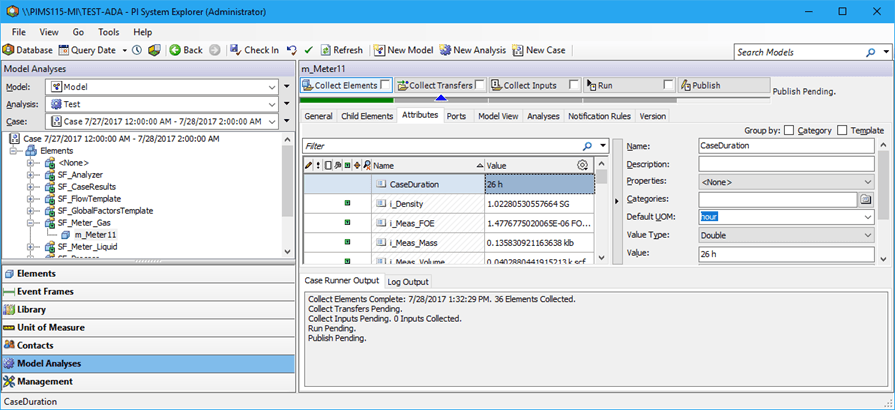
The following image provides a sample for evaluating the duration of the current case.